
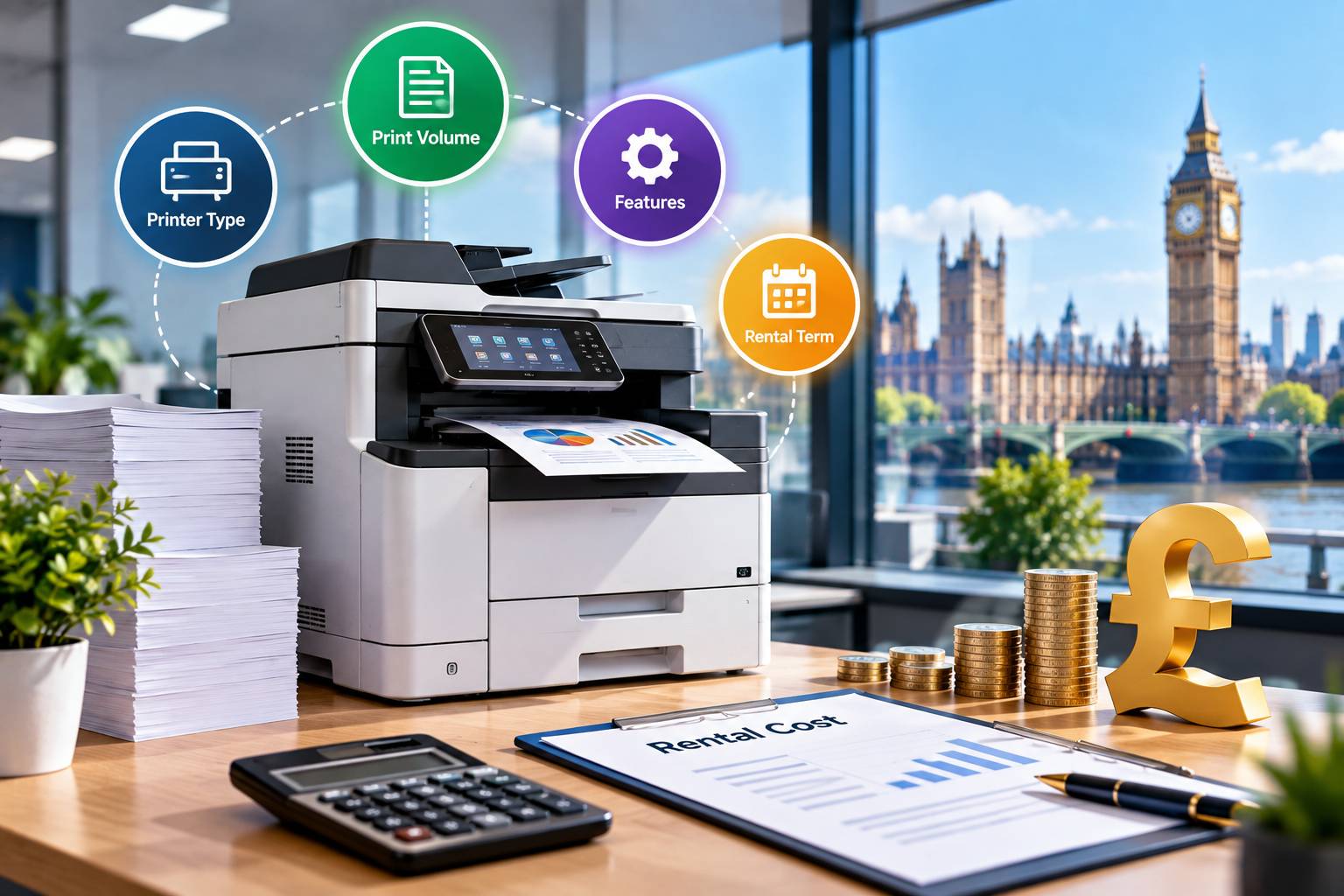
A new business rarely knows how much it will print in its first year, and a temporary office may only exist for a few months. Buying a printer in either situation means tying up cash in equipment you might outgrow, leave behind or never use as much as you expected.
Renting avoids most of that, but only if the agreement fits the way you actually work. This guide covers how printer rental works for short-term and early-stage UK businesses, what it costs, which contract terms matter most and how to decide between renting, hiring and buying.
Why renting often suits a temporary or new office
The main appeal is flexibility. A rental agreement turns a purchase of several hundred pounds (or several thousand for a larger multifunction machine) into a predictable monthly charge, and the provider normally handles delivery, installation, servicing and repairs.
For a business that has just signed a short lease on a serviced office, or a project team that will be on site for twelve weeks, that matters more than owning the machine outright.
There are a few situations where rental tends to make particular sense:
- A site office for a construction, events or consultancy project with a fixed end date.
- A start-up that has not yet settled on a permanent address and may move once it grows.
- A business that expects its print volume to change sharply, for example a recruitment firm taking on staff or a training company running seasonal courses.
- A company that does not have anyone in-house to deal with paper jams, toner orders and firmware updates.
Renting is not automatically cheaper over the long run. If you will use the same machine for four or five years at steady volumes, buying outright (or a long lease) can cost less in total. The case for rental is strongest when uncertainty, speed of set-up or cash flow is the real constraint.
Rental, hire, lease and purchase: what the terms mean
Providers use these words loosely, so it is worth checking what a quote actually offers. In broad terms:
|
Option |
Typical length |
Who maintains it |
Best suited to |
|---|---|---|---|
|
Short-term hire |
Days to a few months |
Provider |
Events, short projects, urgent cover |
|
Rental (rolling or fixed term) |
Often 12 months or more, though some providers offer shorter or monthly terms |
Provider, usually including servicing |
New businesses and flexible offices |
|
Lease or managed print contract |
Commonly 24 to 60 months |
Provider, usually under a service agreement |
Established offices with steady volumes |
|
Purchase |
You own it |
You (or a separate service contract) |
Stable, predictable, long-term use |
Length and inclusions vary from one provider to another, so treat the table as a guide to the questions to ask rather than a fixed rule. A "rental" from one company may look very like another firm's short lease, and the difference usually shows up in the early termination clause rather than the headline price.
What a rental agreement usually covers
Before comparing prices, find out what the monthly charge includes. Most business arrangements bundle some combination of the machine itself, delivery and installation, maintenance and repairs, and a set of consumables. Whether toner is included, and whether paper is, differs from provider to provider.
The most useful starting point is a plain-English breakdown of what a typical Business Printer Rental Agreement contains, because the wording of the contract tells you more than the advertised monthly rate.
Pay attention to how the agreement describes response times for engineer visits, who is responsible for damage, what happens to your data on the machine's hard drive when it is collected, and whether the price can change during the term.
Working out what you actually need
Most people overspend on rental by choosing a machine for its specification rather than for the work it will do. Start with three numbers: how many pages you print per month, how many of those are colour, and how many people will share the machine.
As a rough illustration, a team of five to eight people in a small office might print somewhere between 1,000 and 3,000 pages a month, depending on how paper-heavy the work is.
A site office producing drawings and permits can sit well outside that range. Your own figures are better than any general rule, so check a few weeks of previous usage if you have it, or estimate from the documents you produce regularly.
Once you have a volume in mind, look at:
- Print speed. Office laser machines are commonly rated at around 20 to 40 pages per minute. Faster is rarely necessary for a small team.
- Colour or mono. Colour pages cost noticeably more per page under most agreements, so if only occasional documents need colour, ask whether the contract lets you set colour to restricted use.
- Multifunction capability. If you also need scanning, copying and sometimes faxing, a multifunction device (MFP) saves floor space. Businesses that mainly need copying and scanning for printed material, such as brochures or flyers, may find a Photocopier Rental for Businesses guide more relevant than a standard printer comparison.
- Paper size. A3 capability is worth paying for only if you genuinely print plans, posters or large spreadsheets.
- Connectivity. Wi-Fi, Ethernet and mobile printing support matter more in a temporary office than in a permanent one, because you may not control the network.
How much does printer rental cost?
Prices vary widely by machine, volume, term and provider, so any figure here is an illustration of how the pricing works rather than a quote.
Most agreements combine two parts: a fixed monthly rental charge for the machine and service, and a "click charge", which is a price per page printed (usually quoted separately for mono and colour).
Some providers bundle a set number of pages into the monthly fee instead. Here is how that might look for an invented small office, to show the arithmetic:
- Machine and service: £35 per month (illustrative)
- Mono click charge: 0.8p per page (illustrative)
- Colour click charge: 5p per page (illustrative)
- Monthly use: 1,800 mono pages and 200 colour pages
That gives £35 + £14.40 + £10.00 = £59.40 a month before VAT. At 20% VAT, which VAT-registered businesses can normally reclaim, the invoice would come to £71.28.
Change the colour volume to 800 pages and the colour charge alone rises to £40, which is why the split between mono and colour matters more than the headline rental figure.
Two things are worth checking against any quote. First, whether there is a minimum quarterly or monthly page volume, because paying for pages you do not print eats into the saving. Second, what happens to charges if you exceed an allowance.
Independent write-ups such as those on SparkVista can help you see how different providers describe their pricing, but the only figures that count are those in your own written quote.
Makes and models you are likely to be offered
UK providers generally supply equipment from the large manufacturers rather than their own brands. You are likely to come across Canon (the imageRUNNER and imageCLASS ranges), Ricoh, Xerox (VersaLink and AltaLink), Konica Minolta (bizhub), HP (LaserJet and its managed print services), Brother and Epson (WorkForce).
Many small-business quotes involve a mid-range mono or colour laser multifunction machine from one of these. The brand matters less than three practical points: whether replacement toner and parts are easy for the provider to source, whether the machine supports the operating systems on your staff's laptops (Windows, macOS, and mobile), and whether engineers in your area are used to servicing that model.
Ask the provider which models they usually install for businesses of your size rather than choosing from a catalogue.
Setting up a printer in a temporary office
The equipment is often the easy part. Problems tend to appear when a machine is dropped into an office whose network you do not control, such as a serviced office, coworking space or client site.
A few things are worth sorting out in advance:
- Network access. Check with the building manager whether you can connect a device to the network or whether you will need your own router. Some serviced offices restrict this.
- Security. Printers store data. Ask the provider about secure release printing (where a job only prints when someone swipes a card or enters a PIN) and about disk wiping on collection.
- Software. Print management tools such as PaperCut let you track usage by person or project, which is useful if you rebill printing to clients. Microsoft Universal Print is another option for businesses already using Microsoft 365.
- Power and space. A multifunction laser machine can be large. Measure the space and check that the nearest socket and floor loading are suitable.
Contract terms that matter for short stays
If you do not know how long you will keep the machine, the exit terms matter more than the monthly price. Read these clauses carefully before signing:
- Minimum term. Some agreements run for a fixed term, often 12 months or more. If your office will close sooner, ask what the early termination charge is.
- Notice period. Rolling arrangements usually require a set period of notice, commonly 30 days or more. Ask when the notice must be given and in what form.
- Relocation. Can the machine move with you if you change address, and who covers the cost of moving and reinstalling it?
- Upgrades and downgrades. If you outgrow the machine within the term, can you swap it for a faster model without restarting the contract?
- Price changes. Check whether click charges can increase during the term and what notice you will receive.
- Collection. Confirm how and when the machine is collected and who is responsible if collection is delayed.
Get any promises made by a sales representative into the written agreement. A verbal assurance about flexibility is hard to rely on later.
How to choose: a short decision guide
These questions point you to the likeliest option, although quotes will confirm it.
- Will you need the printer for less than three months? Short-term hire is usually the better fit than a standard rental.
- Is your office or team size likely to change in the next year? A rolling or flexible rental is easier to adjust than a long lease.
- Do you expect stable volumes for three years or more? A longer lease or a purchase may work out cheaper overall.
- Do you have anyone in-house who can manage supplies and basic faults? If not, a rental that includes maintenance and toner is worth the extra cost.
- Do you print little and rarely? A basic desktop printer bought outright may cost less than any rental.
When you compare quotes, ask each provider to price the same scenario: the same expected page volumes, the same colour split, the same term. Quotes that look different often turn out to be the same price arranged differently.
A practical next step
Before you contact any provider, write down your expected monthly pages (mono and colour), how many people will use the machine, how long you expect to stay and which network the printer will join.
Request written quotes from at least two or three suppliers using those same figures, then compare the total monthly cost including VAT, the minimum term and the exit charges.
That comparison will tell you more than any list of features, and it keeps the decision tied to how your business actually works.