
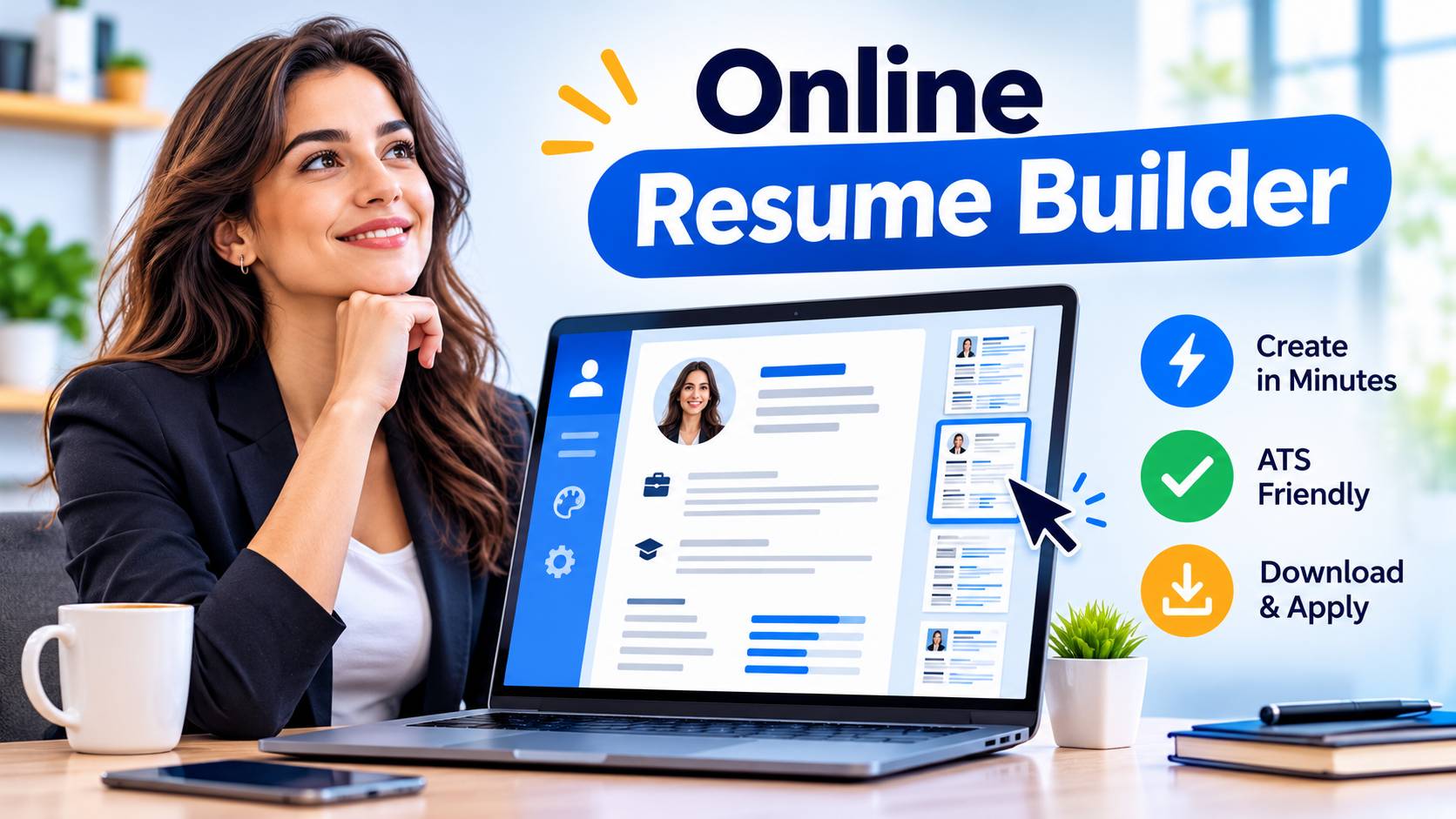
Most people only discover that format matters after an application disappears without a reply. The wording of a CV gets all the attention, yet the way it is delivered can decide whether it is read properly, parsed correctly by recruitment software or opened at all on a recruiter’s phone.
The choice usually comes down to two options: a PDF you attach, or an online CV that lives at a web address. Neither is better in every situation. A PDF is the safer default for most formal applications in the UK.
An online CV is stronger when you want to show more than two pages can hold, or when the role rewards visible work. This guide compares them on the points that actually affect a job search, then gives you a simple way to decide.
What counts as an online CV?
An online CV is a CV published as a web page rather than sent as a file. It might be a simple one-page site, a profile built with a CV builder, or a portfolio with a CV section. You share a link instead of an attachment, and you can update the content without sending anything again.
Do not confuse it with a LinkedIn profile, which is a related but separate thing. LinkedIn follows a fixed layout and sits inside someone else’s platform. A personal online CV gives you control over structure, tone and what you choose to emphasise.
The PDF resume (UK employers almost always say “CV”, though “resume” is common in international listings) is a fixed document. It looks identical on every device, which is its main strength.
How the two formats compare
| Factor | PDF CV | Online CV |
|---|---|---|
| Works with employer application portals | Yes, accepted almost everywhere | Rarely accepted as a replacement |
| Layout consistency across devices | Very reliable | Depends on the builder and the device |
| Applicant tracking system (ATS) reading | Good if text-based, poor if image-based | Usually not read by an ATS at all |
| Space for portfolios, links and media | Limited | Generous |
| Ease of updating | Re-export and resend each time | Edit once, link stays the same |
| Tracking views | Not possible | Possible with some tools |
| Risk of the link failing | None once sent | Real if the site goes down or expires |
| Suitability for printing | Excellent | Poor |
The pattern is fairly clear. PDFs win on reliability and compatibility. Online CVs win on depth and flexibility.
Why the PDF is still the default for most UK applications
Most large employers and agencies route applications through an applicant tracking system. Workday, Greenhouse, Lever, Taleo and SmartRecruiters are among the names you will see in the job application journey.
These systems ask for an uploaded document, typically PDF or Word, and many extract the text into structured fields. A link to a web page generally cannot be processed this way.
Job boards work on the same principle. Reed, Indeed, Totaljobs and CV-Library all expect an uploaded file to power their search and “apply with CV” features. Recruiters searching these databases are searching the content of uploaded documents.
There is also the human side. A hiring manager moving between meetings may open your application on a phone. A PDF opens in seconds with the layout you intended. A web page might load slowly, break on an older browser or sit behind a security warning on a corporate network.
Making a PDF work properly with ATS software
Not all PDFs are equal. A PDF exported from Microsoft Word or Google Docs contains real, selectable text, which ATS software can read. A PDF made by taking a screenshot of a design, or by exporting a heavily graphic template from a design tool such as Canva, may be treated as an image and read as blank or scrambled.
A quick test: open your PDF and try to highlight a line of text with your cursor. If you cannot, software will struggle too.
Other practical points worth following:
- Keep the file under 2MB. Many portals cap uploads at somewhere between 2MB and 5MB, and the limit varies by employer.
- Stick to two pages for most roles. One page can suit early career applicants, and three is rarely justified outside academic or senior technical posts.
- Use a standard font such as Arial, Calibri or Georgia at 10 to 12 points.
- Avoid putting contact details in the header or footer, as some systems skip those areas.
- Name the file clearly, for example “Priya-Shah-CV.pdf” rather than “CV-final-v7.pdf”.
Where an advert says “Word format only”, follow that instruction. A few older systems still handle .docx more reliably than PDF.
Where an online CV has the advantage
A two-page document is a poor fit for some careers. A web developer, designer, writer, photographer or video editor is judged partly on output, and a list of job titles cannot show it. An online CV lets you embed project examples, link to case studies and show the work itself next to the dates and responsibilities.
It also suits people whose experience is varied. If you have freelance clients, volunteering, certifications and side projects, a web page can organise them with sections and expandable detail without cramming a PDF.
Updating is the other practical gain. When you finish a course or start a new project, you edit one page. Anyone who has a link from a month ago sees the new version. With a PDF you have to remember who received which version.
Some builders are designed for exactly this. If you want a clean, shareable page without writing code, the LYNKP Online Resume Builder is one tool to look at, and it is worth comparing a few options before committing your details to any platform.
The risks of relying on a web link alone
An online CV depends on things outside your control. A free plan can expire, a platform can close or change its terms, and a link that worked in March may fail in September. Always keep a current PDF as a backup, and check that your link opens in a private browser window before you send it.
Privacy matters too. A public page that includes your home address, phone number and full employment history is visible to anyone, including people you never intended to share it with. Consider leaving out your full address (a town or city is enough for UK applications) and think about whether a password-protected or unlisted link is more appropriate.
Using both formats together
For many job seekers the sensible answer is not to choose. Submit a PDF where the application asks for a file, and include a link to your online CV or portfolio inside that PDF, usually in the contact line. The PDF carries the core information through the ATS and into the recruiter’s hands. The link gives anyone who wants more a place to go.
This works because it respects how hiring actually happens. The recruiter who skims 80 applications for one vacancy will read the PDF. The hiring manager who reaches the shortlist stage and wants evidence of your work will click the link. You are covering both moments without making either stage harder.
If you are building a CV from scratch and want a walkthrough of structure and content before you decide on format, this guide on how to Create a Professional CV Online covers the practical steps.
How to choose: a simple decision guide
Work through these questions in order.
- Does the application ask you to upload a document? Use a PDF (or Word if specified). This covers most corporate, public sector and agency applications.
- Is your work visual or project-based? Add an online portfolio or CV link to your PDF. Design, development, marketing, writing and media roles benefit most.
- Are you applying by email or direct message to a person? A PDF attachment is still the safer choice, with a link in the body of your email if you have one.
- Is the role in a sector with strict formal processes? NHS, Civil Service, education and many local authority roles often use their own application forms, so a CV format matters less than following their structure and supporting statement requirements.
- Do you update your CV frequently or apply across different industries? An online CV as a master version makes sense, with tailored PDFs exported for each application.
One example: a marketing coordinator applying through a company’s Workday portal uploads a two-page PDF with a link to a case study page at the bottom of the first page.
The same person messaging a founder at a startup might send the PDF and the link together. Neither approach needed a complete switch of format.
Common mistakes to avoid
Sending a link on its own to an employer who asked for an attachment is the most frequent error. It looks like a refusal to follow instructions, and the application may be filtered out before anyone reads it.
Another is letting the two versions drift apart. If the online version says you left a job in June and the PDF says July, a careful recruiter will notice. Update both together, or treat one as the source and generate the other from it.
Over designing is a third. Columns, icons, skill bars and coloured sidebars look appealing but often scramble when read by software. Whichever format you use, plain structure beats decoration.
The practical takeaway
Treat the PDF as your working application document and the online CV as an optional extension. Before your next application, open your PDF and check that you can select the text, keep it under 2MB, and add a single link to your online profile or portfolio if you have one worth showing.
If you do not have one yet, the PDF alone is enough for most UK roles. For wider reading on careers, publishing and digital presence, SparkVista Federated Journals is an additional place to browse.